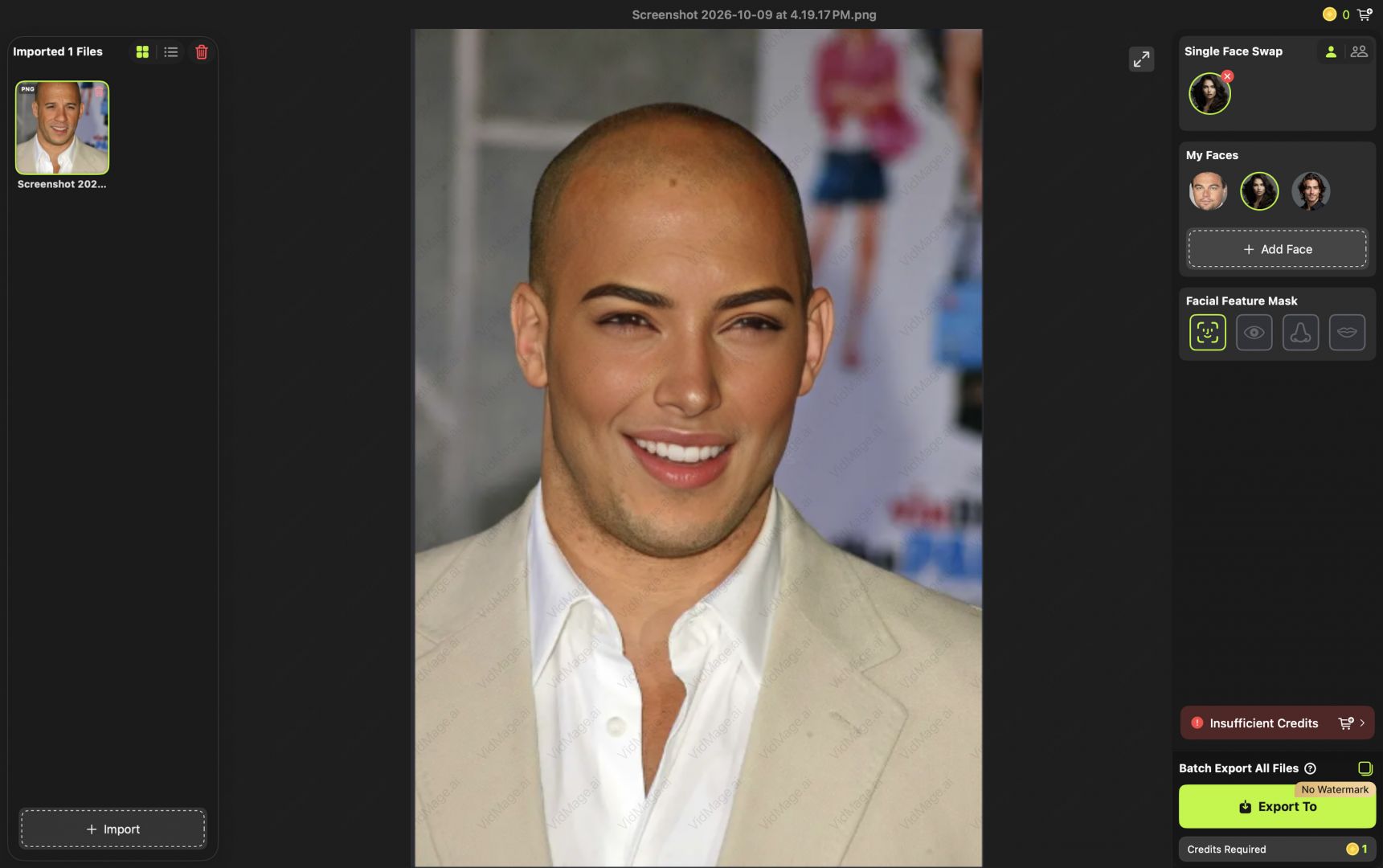
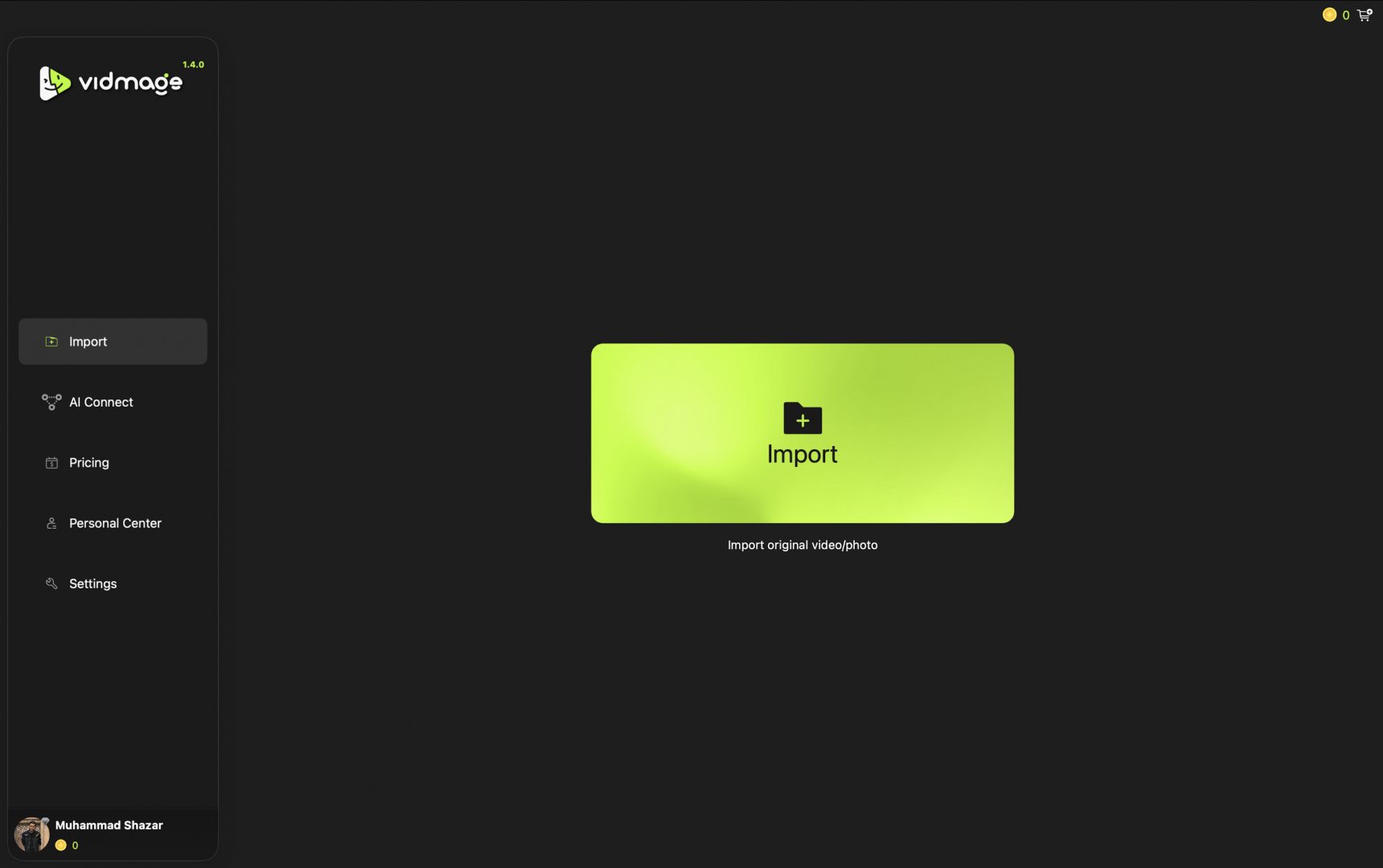
VidMage is an AI-powered face-swapping application for macOS. It brings advanced AI face replacement, photo editing, live video masking, and more directly to your Mac. It is a completely private on-device application that does not require you to upload your personal photos or videos to any cloud or third-party servers.
VidMage takes a privacy-first approach by running all the models locally on your machine. One more thing they have done to increase efficiency is design it exclusively for Apple Silicon, which means it cannot be used on older Intel Macs. It leverages Apple’s Neural Engine and unified memory to execute frame-by-frame face replacement with impressive speed and natural blending.
It is a multi-purpose creative utility that handles static images, animated GIFs, pre-recorded video clips up to 4K resolution, and even live video calls. Particularly useful for content creators and mass content producers, it delivers production-ready face replacement.
100% local Apple Silicon processing
By far, the biggest differentiator for a face-swapping application today is its offline, on-device architecture. All algorithms, including facial detection, tracking, blending, and rendering, run entirely on your Mac’s local hardware, and nothing is uploaded to a third-party server. Once installed, the application functions completely offline without requiring an active internet connection for processing.Live face swap virtual camera
If you are looking for a real-time virtual webcam, this app has you covered. It installs a system-level macOS camera extension acting as a virtual webcam that you can use to stream into tools such as Zoom, FaceTime, OBS Studio, Twitch, and more. You can set up target faces and swap between them in real time during a live call with negligible latency.
I am not going to lie. This sounds fun.Multi-face and partial feature swapping
Real-world footage often features more than one person. VidMage can detect and let you independently control or swap up to four distinct faces in a single clip or image. If you want to get more granular, you aren't limited to full-face replacements. The software allows you to selectively swap individual facial features, replacing only the eyes, nose, or mouth while preserving the original subject’s natural head structure, expressions, and lighting.High-resolution 4K export and batch workflows
The desktop client is built for high-end production and has no file size limit or restrictive clip duration caps. It comfortably exports up to 4K resolution.Pricing
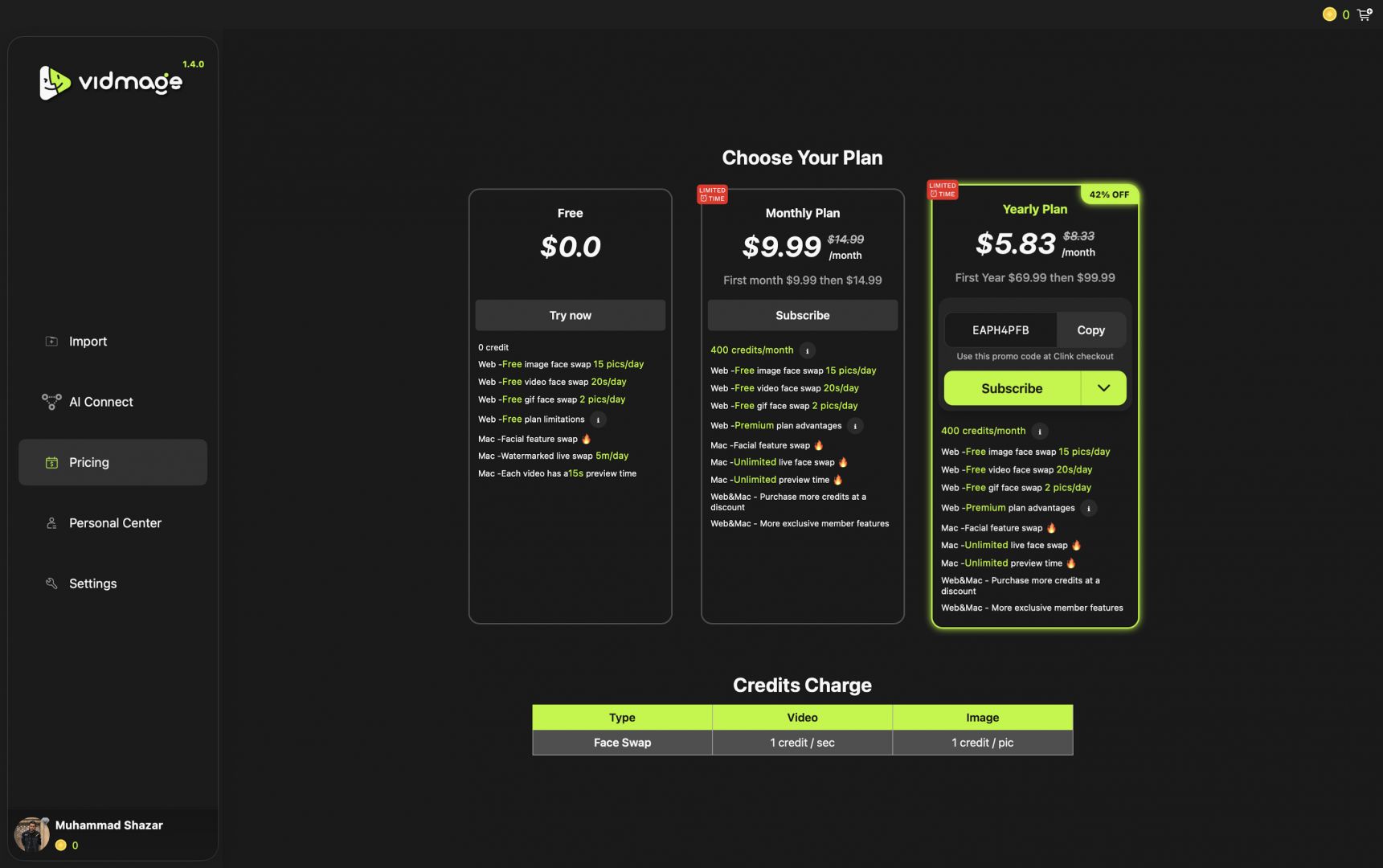
VidMage operates on a freemium pricing structure. Users can download the app and test core features for free, though the free tier includes daily usage quotas and limits live camera sessions to a few watermarked minutes per day. Unlocking full functionality requires a subscription, available in monthly or yearly options. Pricing varies based on region and any active promotions.A secure choice for on-device face swapping
VidMage is an impressive face-swapping tool for Mac users. Its local processing model fundamentally solves the biggest privacy concerns surrounding AI media manipulation, making it far superior to cloud-based alternatives for handling sensitive footage. However, its strict reliance on Apple Silicon hardware and macOS 14 (Sonoma) or newer means Intel Mac owners are left out. Casual users might find the recurring subscription steep if they only need occasional one-off edits.